Connection Explorer
 |
Featured Trailer
Important PagesMediaConnection Explorer ResourcesOfficial Pages |
About Connection ExplorerWith powerful tools to create intelligent activity alerts, block unwanted connections, review historical data, and add notes to DNS entries, Connection Explorer keeps you fully informed about how and when your device is communicating with the world. Key Features
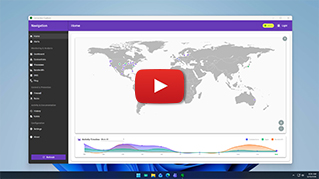
See Every ConnectionYour apps are talking, see who's listening.Get a clear view of every connection your PC makes and where your apps send your data.
Complex data is made easy to understand with home and timeline views that make looking at current and historical connections a single click.
Every map dot is a live connection that you can explore to understand where your apps are sending or receiving information.
Create smart alerts, intelligence defined by you.Create smart rules to identify and alert you to suspicious network activity.
Easy to build rules allow you to create alerts when a connection to a country is discovered or set the parameter to alert you every time a connection occurs outside your home country.
Want to see if someone is targeting your remote desktop connections? Easy to configure port monitoring logic makes the process simple.
Full connection history, ready to be explored.Your PC connects to endpoints across the globe, visualize every interaction in an interface designed for exploration.
Applications, processes, DNS and more, see all of the connections your device is making and where the data is being sent.
Blocking applications from connecting to the Internet with a single click.
|