AltTabby
 |
Featured Screenshot
Important Pages |
About AltTabbyPowerful task switching, built for the way you work. Key Features
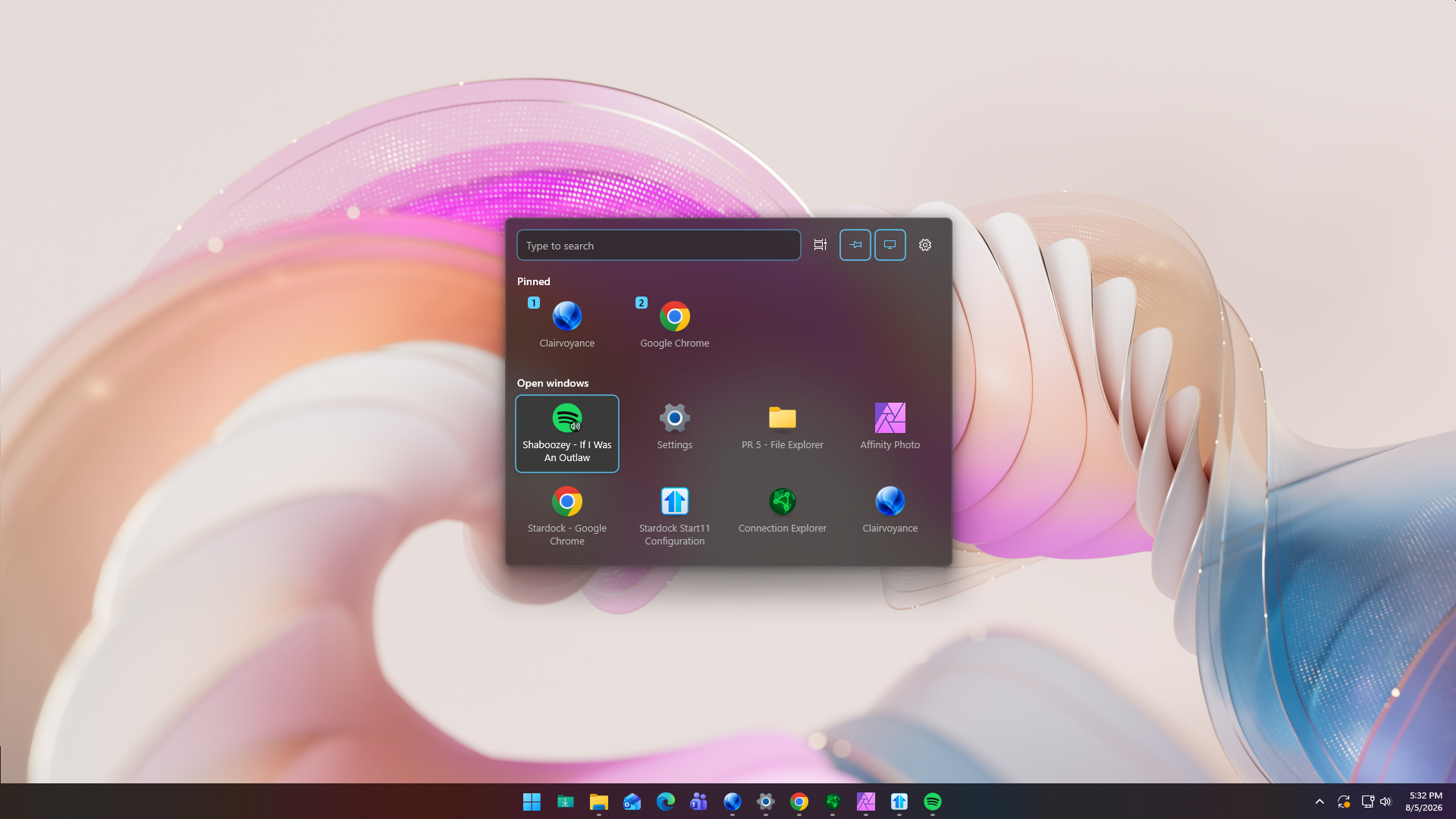
FeaturesMake task switching work your way.AltTabby replaces the standard Windows Alt+Tab experience with customizable layouts and productivity features that help you switch between applications faster.
Choose from multiple layouts, customize how windows are grouped, and fine-tune nearly every aspect of the interface.
Adjust icon size, spacing, transparency, rows, columns, colors, animations, and more to create the perfect switching experience.
Enhance your productivity with advanced switching.Move between applications more efficiently with features designed to help you find the right window the first time.
Assign keyboard shortcuts to your favorite applications so they're always one keystroke away, no matter when they were last used.
Built-in search and smarter grouping make it easy to locate the exact application you're looking for when dozens of windows are open.
Take complete control of Alt+Tab.Whether you prefer a clean modern layout or something more familiar, AltTabby lets you create the window switcher that works best for you.
Configure how windows are grouped, displayed, and prioritized so switching between tasks feels natural.
Choose from multiple layouts inspired by classic Windows designs or modern interfaces with complete visual customization.
|